Use a Boltz specification
In the design form, choose a supported built-in specification such as Boltz Nanobody or Boltz Antibody. You can use these without first creating a custom specification in the project.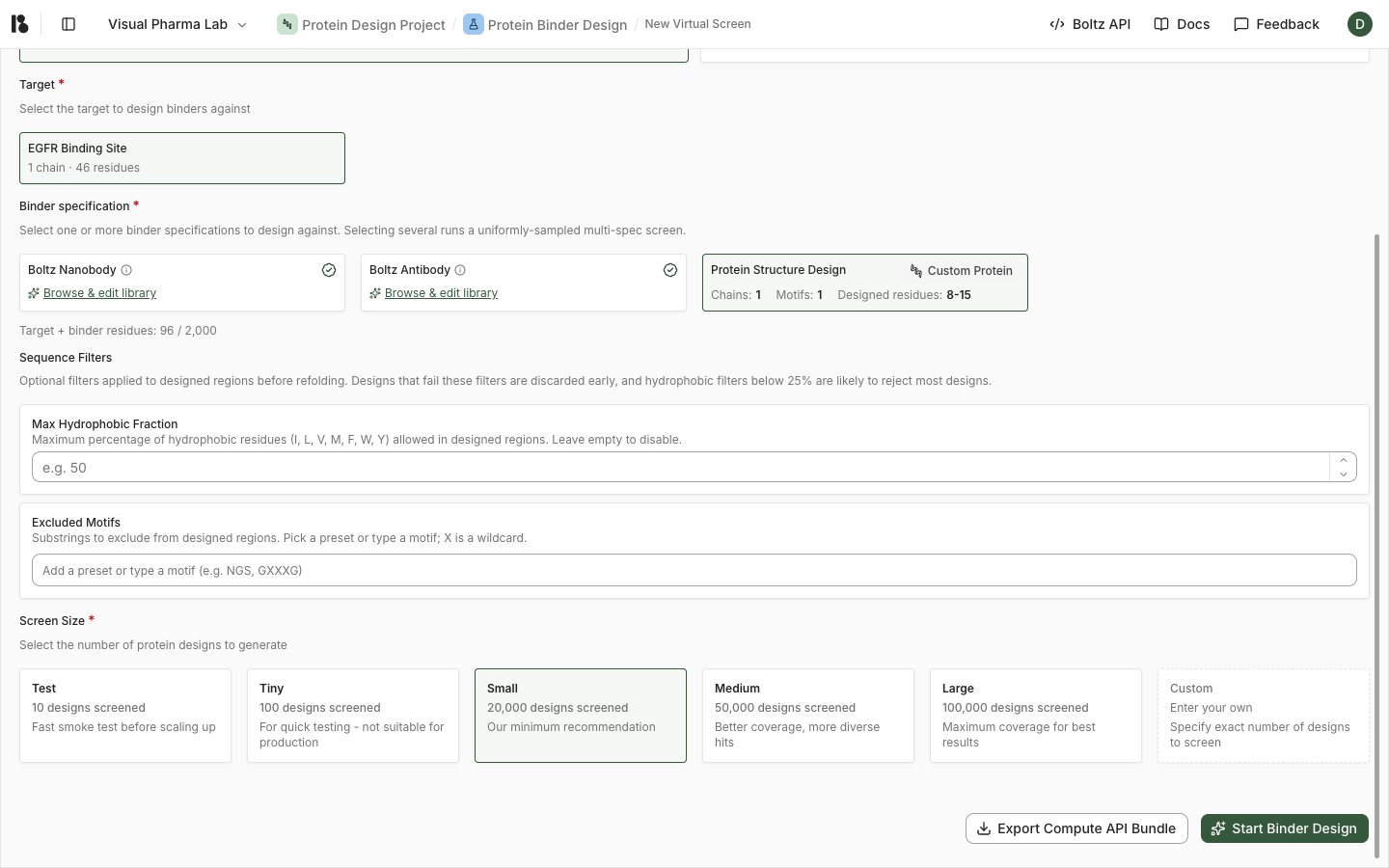
Use a custom specification
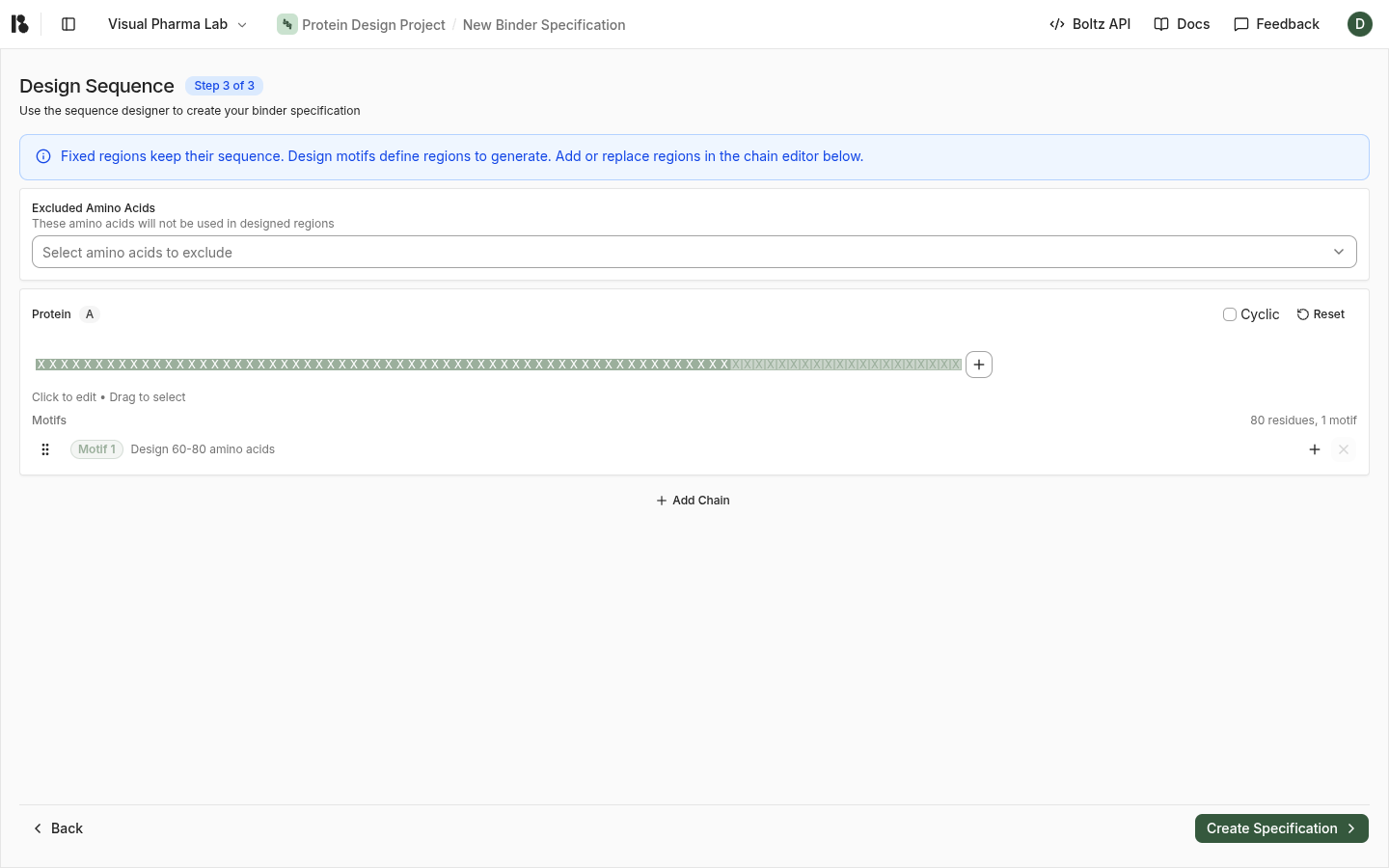
Create a custom specification when you need control over a framework, sequence, structure, or designable regions.- Open the project’s binder specification creation flow.
- Name the specification and choose its modality.
- Use a supported template, import a PDB structure, upload a structure, or enter sequences as offered by the form.
- Select the chains and residues that belong in the binder.
- Define the regions the model may design. Keep regions fixed when they must be preserved.
- Review any excluded amino acids, motif lengths, and chain assignments.
- Create the specification and select it in the design form.